Browser access
Chrome on Android and Safari on iOS are the primary supported browsers. Firefox and Edge work on most devices but check for live-stream performance on your specific model.
app99 is built to run cleanly on the phone already in your pocket — no extra software required to reach live tables, slots or the sportsbook.

These are the specific mechanics that make the mobile interface worth using daily — not just on first sign-in. Each one is designed around the returning-user flow so that getting back into the lobby takes fewer taps each time you open it.
Fingerprint or face unlock on supported Android and iOS devices replaces the full password entry, so your account opens in seconds from the lock screen.
Account alerts arrive as push messages — wallet confirmations, live table availability and account status — without needing the browser open in the background.
The interface switches to a low-light layout automatically at night, which keeps screen glare low when you are playing Crash Hyper or Holdem FastLane in the dark.
The last-loaded lobby state is cached locally, so you can see game categories and your account balance even before a fresh connection is established.
The mobile interface is tested against the browsers and screen sizes most common among Bangladesh accounts. If your device is mid-range or newer, you should reach the full lobby without layout issues. Use this checklist to confirm your setup before signing in.
Chrome on Android and Safari on iOS are the primary supported browsers. Firefox and Edge work on most devices but check for live-stream performance on your specific model.
The interface scales to screens from 5 inches upward. Players in Dhaka using budget Android handsets report the lobby renders correctly as long as the browser is current.
You need a verified app99 account with a linked wallet — bKash, Nagad or Rocket — before the deposit and withdrawal shortcuts appear in the mobile interface.
Visit the app99 help section from your device to see the current compatibility list. We update this as new device and OS combinations are confirmed.
Live table streams from Evolution and Pragmatic Play run on 4G without buffering for most devices. Drop to a Wi-Fi connection if a crash game multiplier is lagging.
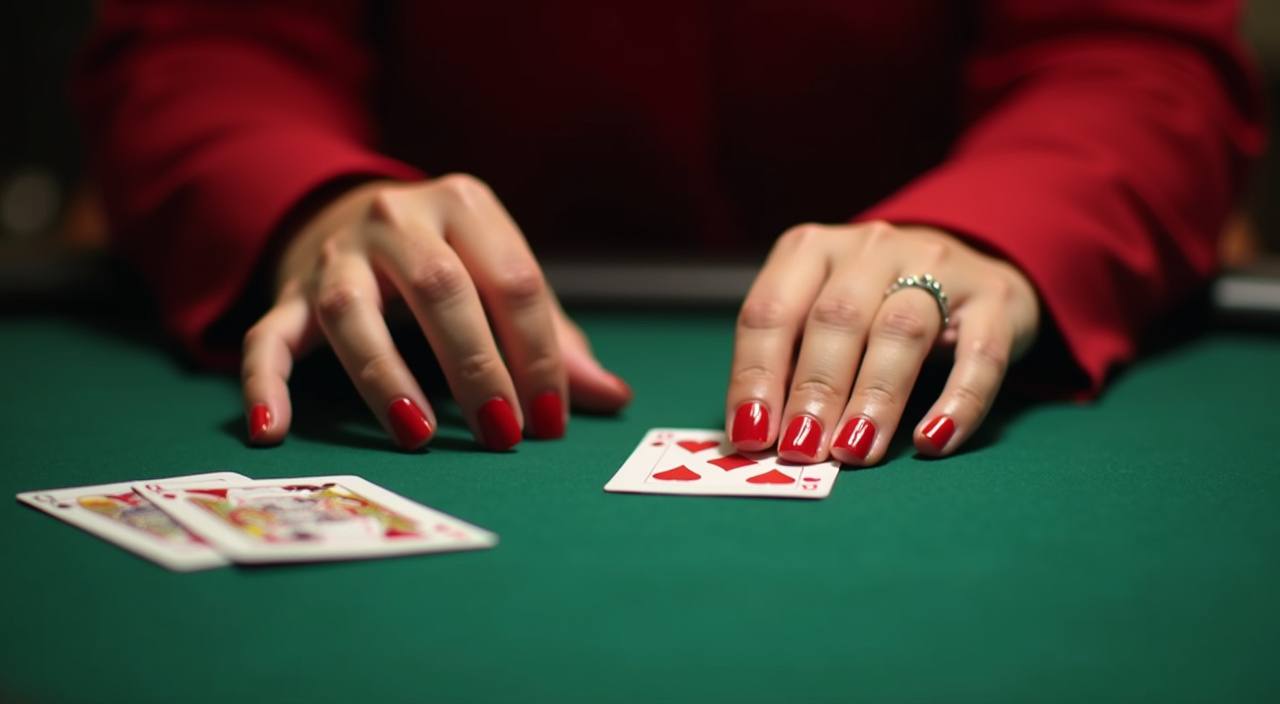
Once you are logged in through the mobile interface, the lobby opens to slots from Pragmatic Play and PG Soft alongside live tables streaming Dragon Tiger and live Baccarat in real time. The betslip follows you across pages, so placing a cricket market and switching to Crash Smoke happens in the same session without refreshing. Push notifications flag your account activity —
a completed Nagad transfer or a live table opening — so you do not need to keep the browser open. Quick deposit shortcuts and a one-tap wallet selector cut the steps between your bKash or Rocket balance and your account wallet. Fingerprint login is available on compatible devices, keeping your return visits short and your account secure.

Getting into the app99 lobby on your phone does not require a store download to get started — the browser path works on current Android and iOS devices. First, open the current app99 address in your mobile browser; Chrome and Safari both render the full lobby without stripped-down views. Second, check that your browser is up to date — an outdated browser
version is the most common reason a live table stream stutters or the login form does not respond. Third, sign in with your credentials or use biometric login if you have already set it up on this device. If a dedicated native app build has been released, a prompt will appear on the site asking whether you want to install it —
follow that route only if you see it, and do not sideload APK files from other sources.
These are the questions we hear most from Bangladesh accounts about mobile access, device behaviour and how the app99 interface works across different phones and sessions.
Service availability depends on eligible regions and local law. Users should check local rules before opening an account.
Access may be available only where local law permits.